Wedding-day scheduling method + real product preview
Wedding timeline template
Wedding Timeline Template is a free timeline guide and a $12 editable workbook for building the wedding-day schedule. It holds a master timeline with owners, locations, dependencies and buffers, vendor arrival and breakdown times, and printable views for the couple, wedding party, photographer and family, so everyone works from one schedule.
A useful wedding timeline is a coordination document, not just a list of ceremony and reception moments. It connects locations, owners, vendor arrivals, setup, travel, photography, meals, and handoffs.
What this page recommends
A usable wedding timeline needs a master schedule plus vendor arrivals, role-specific handoffs, locations, dependencies, buffers, and confirmations. The preview below shows those real paid-file views without giving away the editable template.
Recommended tool: Wedding Timeline Template — $12
Start with immovable anchors
Confirm ceremony access, guest arrival, ceremony start, meal service, venue end time, transportation windows, and any religious or venue requirements. These anchors control the rest of the schedule.
- ✓ Venue access and hard exit
- ✓ Ceremony start and duration
- ✓ Meal or service timing
- ✓ Photography priorities
- ✓ Transportation windows
Create role-specific views
The couple, wedding party, family, photographer, venue, caterer, and entertainment team do not need every line. Build one master schedule, then issue filtered handoffs that show what each person must know and do.
- ✓ Master timeline
- ✓ Couple and wedding-party view
- ✓ Family-photo view
- ✓ Vendor setup and breakdown view
- ✓ Emergency contact sheet
Protect transitions with buffers
Travel, outfit changes, room flips, receiving lines, elevator access, parking, and family-photo gathering take longer than the headline event. Add explicit buffers instead of hoping the schedule absorbs them.
- ✓ Travel and parking
- ✓ Load-in and setup
- ✓ Guest movement
- ✓ Photography grouping
- ✓ Late-start recovery rule
Working view
| Time | Event | Owner | Location | Dependency/buffer |
|---|---|---|---|---|
| 1:00 PM | Venue access and setup begins | Coordinator | Reception venue | Confirm loading access |
| 3:30 PM | Wedding party ready | Attendants | Getting-ready location | Hair/makeup complete |
| 4:30 PM | Guest arrival opens | Ushers | Ceremony | Signage and seating ready |
| 5:00 PM | Ceremony begins | Officiant | Ceremony | Wedding party staged |
| 6:00 PM | Cocktail hour / photos | Coordinator | Reception | Transition buffer |
Look inside the paid files
Real previews from Wedding Timeline Template
These are flattened, watermarked images generated from the canonical paid PDF and XLSX release. They show the real structure without exposing an editable template.
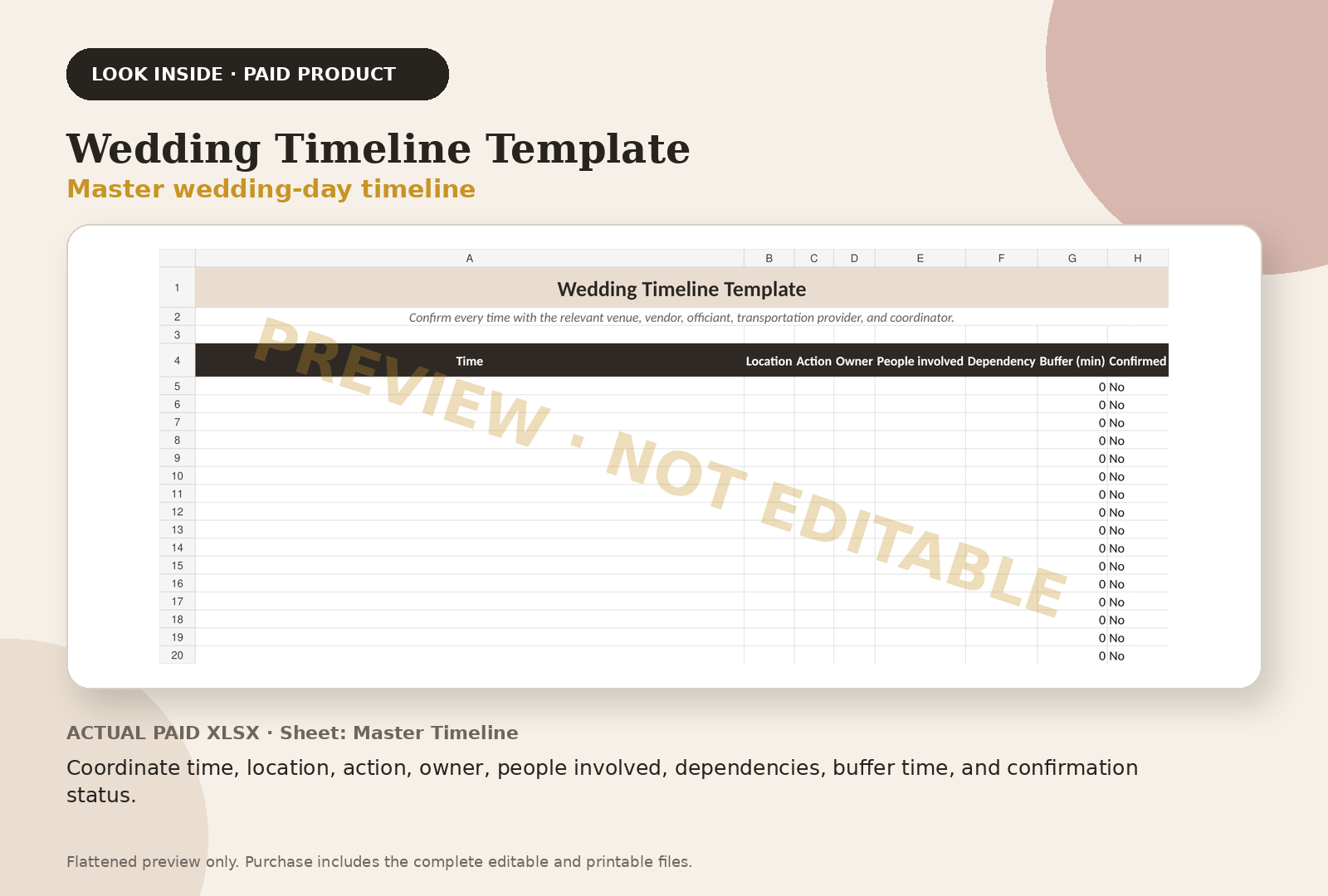
Coordinate time, location, action, owner, people involved, dependencies, buffer time, and confirmation status.
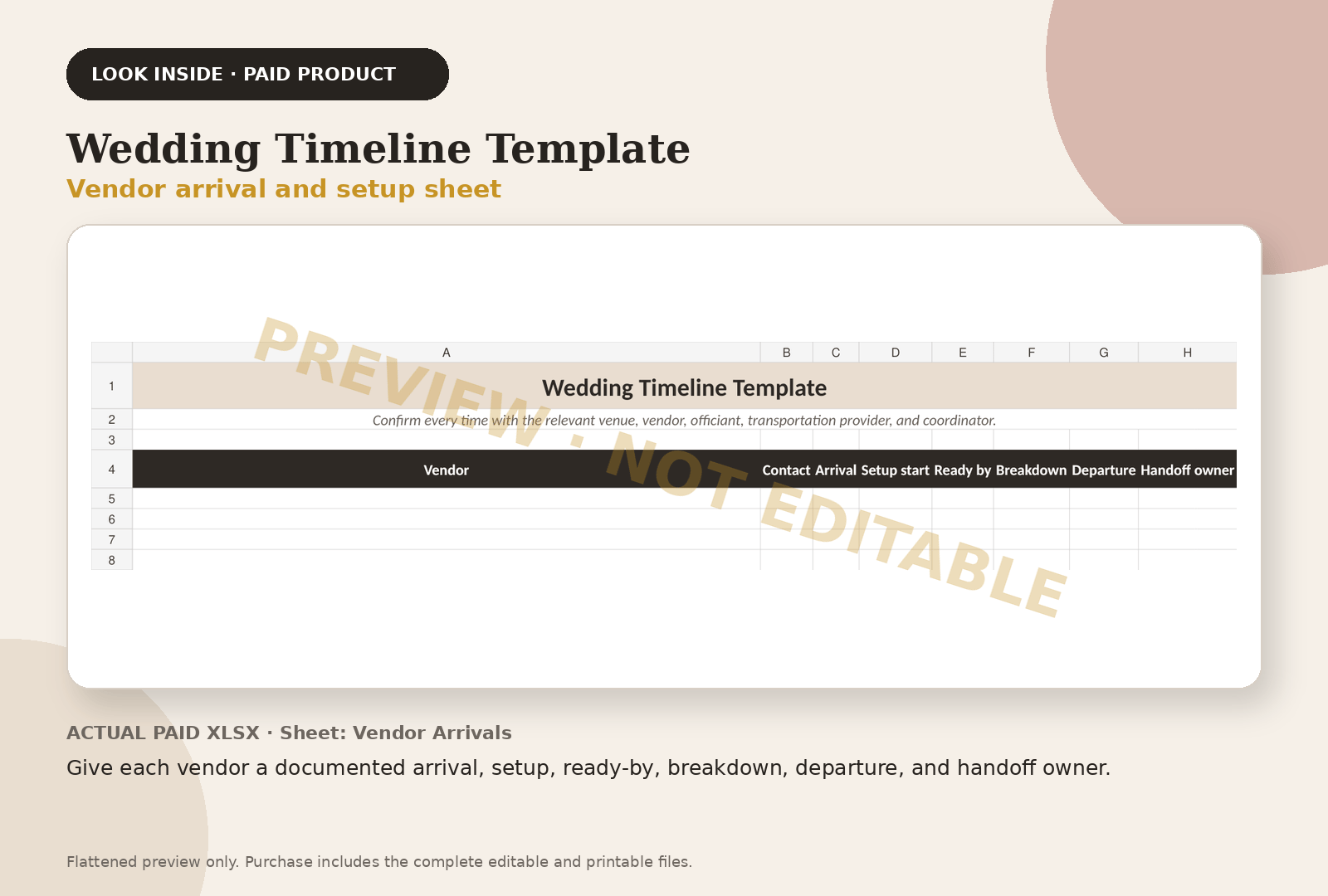
Give each vendor a documented arrival, setup, ready-by, breakdown, departure, and handoff owner.
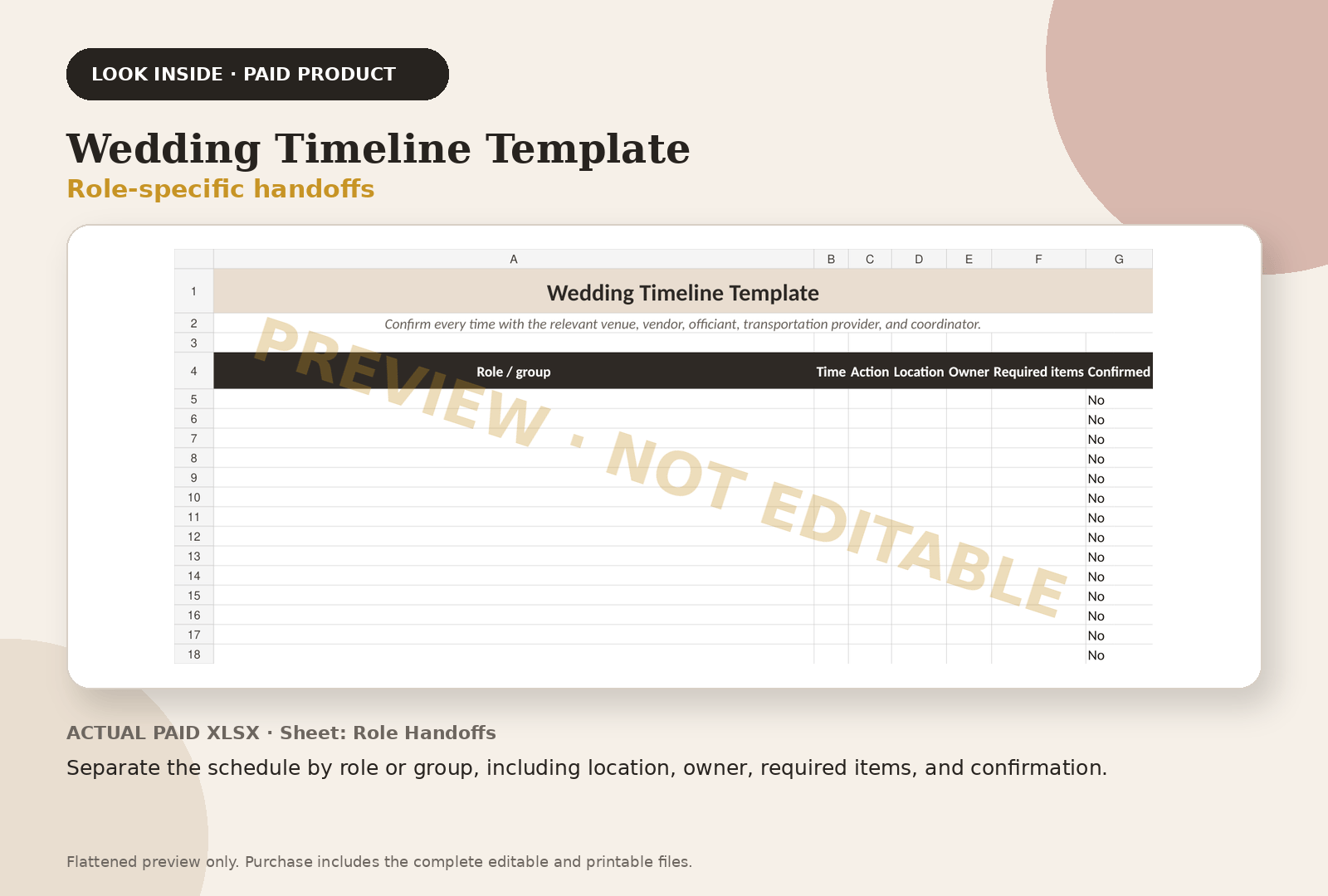
Separate the schedule by role or group, including location, owner, required items, and confirmation.
Questions couples ask
Frequently asked questions
What should be included in a wedding timeline?
Include fixed anchors, preparation, vendor arrivals, setup, photography, travel, guest movement, ceremony, reception events, breakdown, owners, locations, and buffers.
How much buffer should a wedding timeline have?
The right buffer depends on travel, venue access, group size, elevators, parking, photography, and setup. Confirm with the people responsible rather than applying one universal number.
Can the CSV be used in Google Sheets?
Yes. Import it into Google Sheets, Excel, Numbers, or another compatible spreadsheet tool.
Continue with the working system
Wedding Timeline Template
This educational guide explains the method. The product page shows the actual paid-file previews, exact file inventory, and checkout path.
Review Wedding Timeline Template — $12Outside services couples use
Registry and invitations, when you get there
Some of these are affiliate links: if you sign up or buy through them we may earn a commission, at no cost to you.
Keep planning